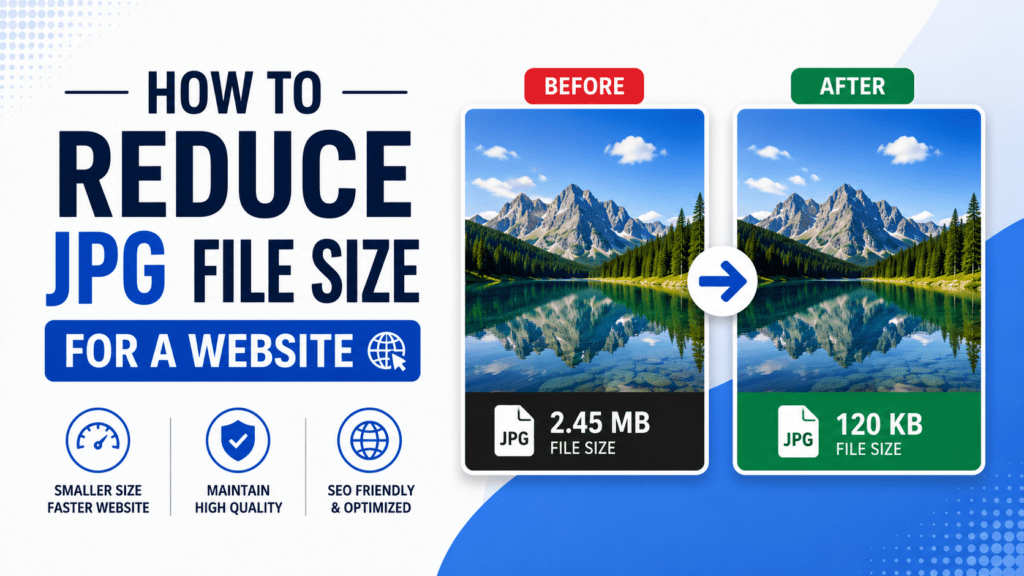
Choosing the right image format might seem like a small detail, but it can have a big impact on website performance, social media engagement, and overall digital experience. JPEG, PNG, and WebP are the most common formats you’ll encounter, and each comes with unique strengths and weaknesses.
In this guide, we’ll break down what each format is, when to use it, and how tools like ResizeHero can make working with these formats simple.
Why Image Format Matters
Your choice of image format affects:
- File Size & Load Speed – Large images slow down websites and social media posts.
- Image Quality – Some formats preserve details better than others.
- Transparency Support – Important for logos, icons, and overlays.
- Browser & Device Compatibility – Not all formats work everywhere.
By understanding each format, you can save storage space, optimize performance, and improve user experience.
JPEG (Joint Photographic Experts Group)
Overview: JPEG is the most widely used format for photographs and complex images.
Pros:
- Excellent for detailed photos and gradients.
- Small file size due to lossy compression.
- Compatible with virtually all devices and browsers.
Cons:
- Lossy compression can reduce quality after multiple edits.
- No transparency support.
Best Use Cases:
- Social media posts with photos.
- Blog images with rich colors.
- E-commerce product photos.
Tip: Always compress JPEGs to balance quality and size. Use ResizeHero’s Image Compressor for optimal results.
PNG (Portable Network Graphics)
Overview: PNG is a lossless format, meaning it keeps all original data.
Pros:
- High-quality image retention.
- Supports transparency, making it ideal for logos or overlays.
- Good for images with text, icons, or graphics.
Cons:
- Larger file sizes compared to JPEG.
- Not ideal for photos due to heavy file size.
Best Use Cases:
- Website logos and banners.
- Icons and illustrations.
- Screenshots with text.
Tip: For websites, combine PNG with compression to reduce load times without losing transparency or quality.
WebP
Overview: WebP is a modern image format developed by Google that supports both lossy and lossless compression.
Pros:
- Smaller file sizes than JPEG and PNG with comparable quality.
- Supports transparency (like PNG).
- Increasingly supported by modern browsers.
Cons:
- Slightly less universal support in very old browsers.
- Editing software may require plugins or updates.
Best Use Cases:
- Website optimization where speed is crucial.
- Blogs, e-commerce stores, and landing pages.
- Social media platforms that support modern formats.
Tip: Convert heavy JPEG or PNG files to WebP using tools like ResizeHero to improve website performance without sacrificing quality.
JPEG vs PNG vs WebP: Quick Comparison Table
| Feature | JPEG | PNG | WebP |
|---|---|---|---|
| Compression Type | Lossy | Lossless | Lossy/Lossless |
| Transparency Support | ❌ | ✅ | ✅ |
| Best For | Photos | Graphics/Logos | Web & Social |
| File Size | Small | Large | Smallest |
| Browser Compatibility | Universal | Universal | Most modern |
Choosing the Right Format
- For Photos – JPEG or WebP for faster load time.
- For Graphics & Logos – PNG or WebP for transparency.
- For Web Pages – WebP is generally the best choice for combining quality and speed.
- For Social Media – JPEG is widely accepted; WebP works if supported.
Optimize Your Images with ResizeHero
Even after choosing the right format, raw images can still be too large. ResizeHero provides:
- Image Resizer – Resize images to exact dimensions for websites or social media.
- Image Compressor – Reduce file size without sacrificing quality.
- Format Conversion – Convert JPEG or PNG images to WebP quickly.
By using these tools, you can ensure your images look sharp, load fast, and improve both SEO and user experience.
Understanding the differences between JPEG, PNG, and WebP is essential for anyone working with digital images. Choosing the right format and optimizing it properly saves storage, improves website performance, and creates a professional impression.
With the right tools, like ResizeHero, image optimization becomes simple — letting you focus on creating engaging visuals rather than worrying about technical details.